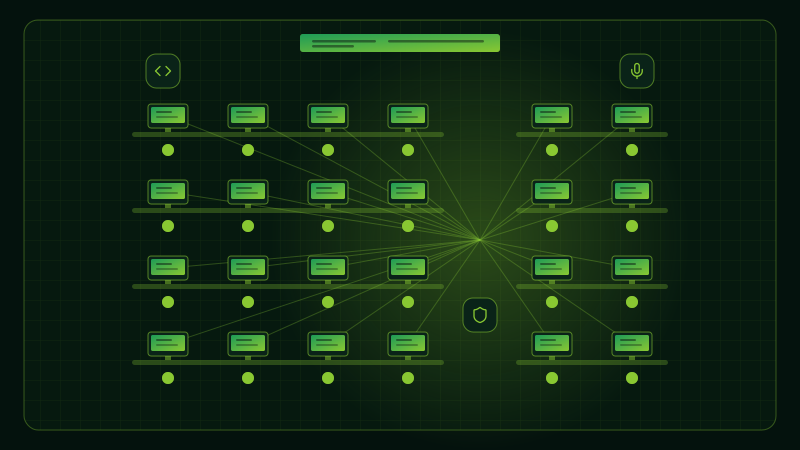
Price is broken.
The best AI costs $100–$200 a month, more than most workers in emerging markets earn. Frontier intelligence was promised to everyone. It is rented to the few.
Planto × HP · University Centre of Excellence
A practical, step-by-step roadmap for universities and colleges to bring AI into teaching, learning, research and infrastructure, from first year to final year.
 In collaboration with HP
01Advanced Coding Lab100 seats
02Advanced AI and Compute Lab50 seats
03Z-Workstation10 seats + Z-Station
Where ideas meet intelligence
The AI shift
India's growth model, built on engineering talent, is at an inflection point.



India moved from an agrarian economy to a predominantly service-driven one.
That shift was powered by engineering talent, human capital and service industries.
Today, AI agents are increasingly taking over service-based tasks, putting that growth model at an inflection point.
Every graduate must learn to build with AI, not just work around it.
The problem with today's era of AI
So what stands between students and hands-on AI? Three barriers.
The best AI costs $100–$200 a month, more than most workers in emerging markets earn. Frontier intelligence was promised to everyone. It is rented to the few.
Every query, document and idea routes through servers you do not own or control. There is no opt-out, and no way to know what happens to it next.
No audit trail. No access control at the AI-action level. No way to know what your AI did, or to whom it spoke. Ungovernable by design.
India, minimum-wage level
India, average monthly wage
35%of the average Indian monthly wage would go to a single $100/month top-tier AI plan.
42%at India's minimum-wage level.
Sources: ILO Global Wage Report 2024–25; PLFS 2025 (India); PSA Occupational Wages 2024 (Philippines); vendor pricing, June 2026.
Why now
India's higher-education ecosystem is already adopting Centres of Excellence.
Universities and IITs/NITs are setting up specialised CoEs in AI, Data Science, Robotics and more.
CoEs are increasingly backed by dedicated labs, advanced computing infrastructure and industry-grade tools.
AI is now a national priority: the Government has established AI CoEs and announced a ₹500 crore AI CoE for Education at IIT Madras.
Sources:IIT Madras(opens in a new tab)Union Budget 2025–26(opens in a new tab)
Why now
The answer: a dedicated AI innovation and learning lab.
In a university, a Centre of Excellence (also spelt center of excellence, or CoE) is a dedicated facility that brings expertise, equipment and mentoring together around one field.
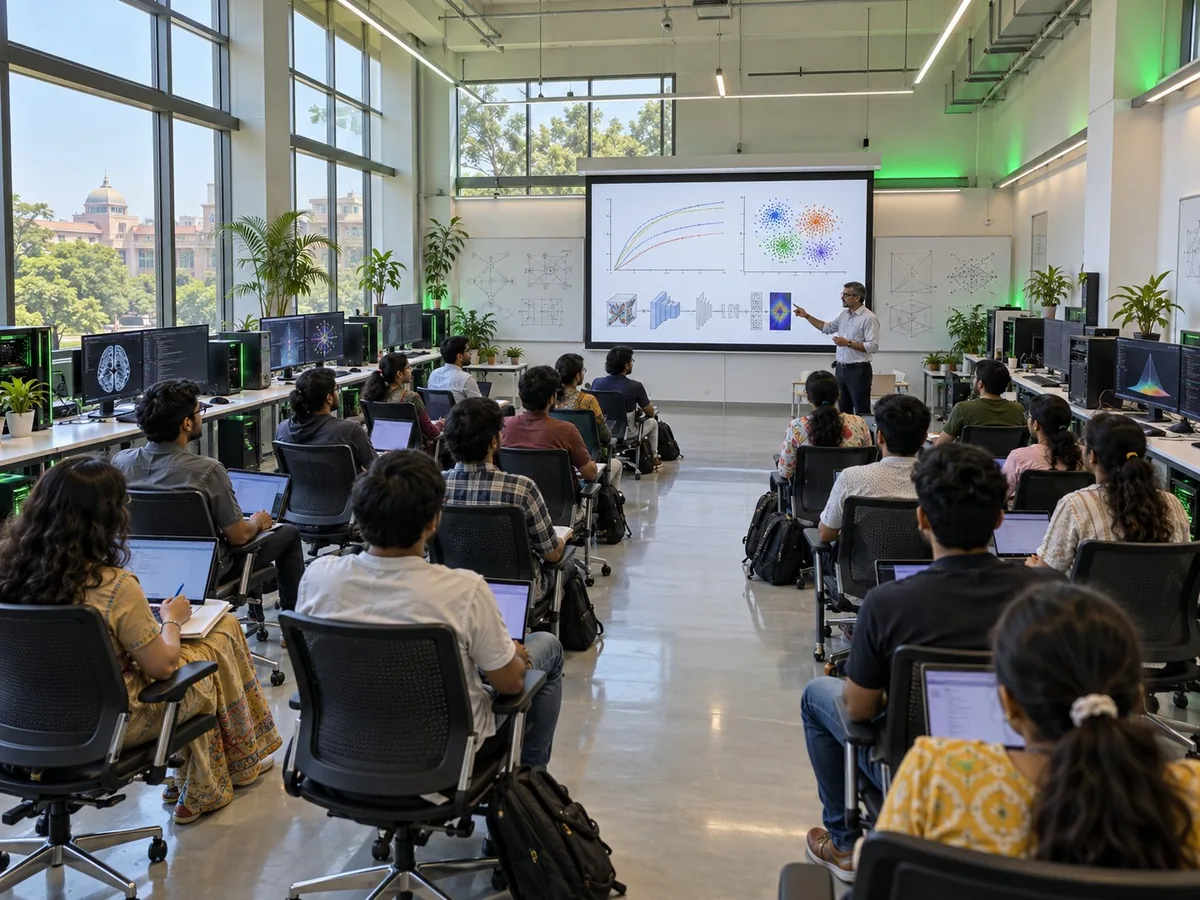
A Centre of Excellence (CoE) is a dedicated AI innovation and learning lab where students, faculty and institutions can learn, experiment, build and implement AI solutions in a real-world environment.
It brings together AI-ready infrastructure, tools, technology, mentorship and hands-on learning to help institutions move from learning about AI to actually building with AI.
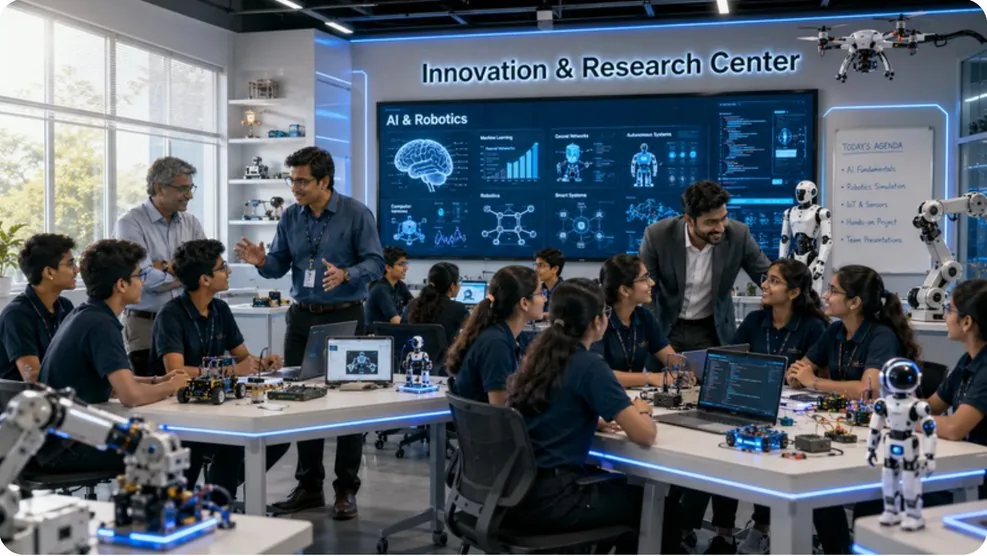
Think of it as
Why now
The CoE is the evolution of the traditional computer lab.
From: Room of PCs
To: Learning environment
From: Occasional demos
To: Regular hands-on practice
From: Paid AI access
To: Governed, on-device AI
Now that AI and education have advanced, universities need CoEs and AI-enabled computer labs.
Why Planto
Recognised by leading platforms and national programmes.
Led by IIT and IIM graduates

Founder & CEO, Planto.ai
Founder, Reducate.ai
IIT BHU
Founder & CTO, Planto.ai
Founder, Reducate.ai
IIT BHU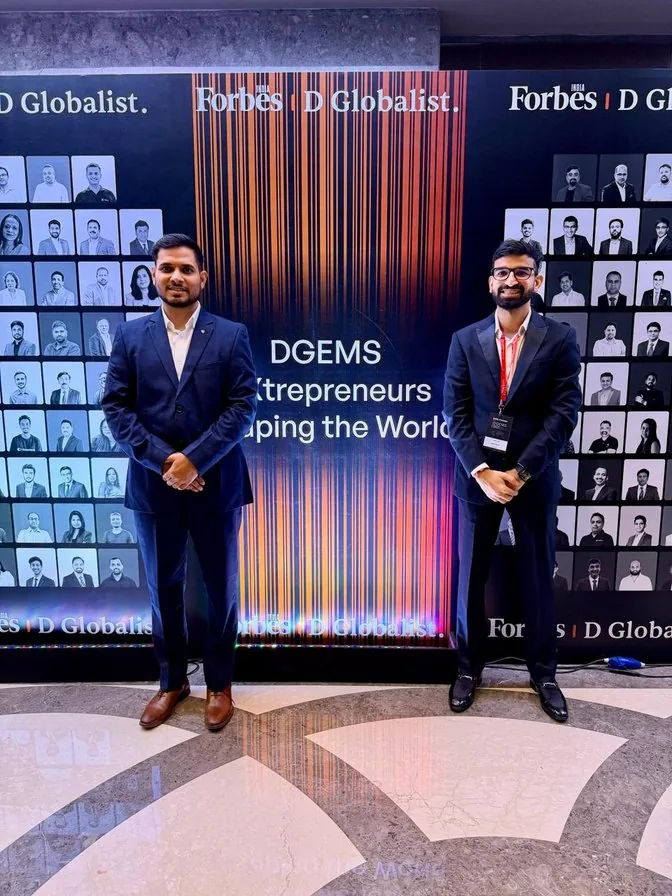
Recognised by





The solution
India's first AI-native operating system
In collaboration with HP.
PlantoOS was built to answer each of the barriers we just saw.
Price is broken
AI runs on the device, so there are no API bills and no per-student subscription. Every student can use it.
Your data leaves the device
Localised small models run on-device in a private workspace for every learner. On a Z-Station, data never leaves the campus LAN.
AI cannot be governed from the cloud
Medhara applies deny-by-default rules, logs every AI action and provides an exam-safe mode for assessments.
Planto × HP
Planto × HP: two partners, one connected AI lab for universities.
 Planto.ai
Launching three Centres of Excellence
One lab for each stage of the student journey: first year, second and third year, and final year.
01
Advanced Coding Lab
100AI-native seats
02
Advanced AI and Compute Lab
50higher-performance seats
03
Z-Workstation
10workstation seats
Z-Station shared compute node
First yearFoundation
A hundred AI-native machines, ready from first boot: a lab that teaches, governs and runs offline on every seat.
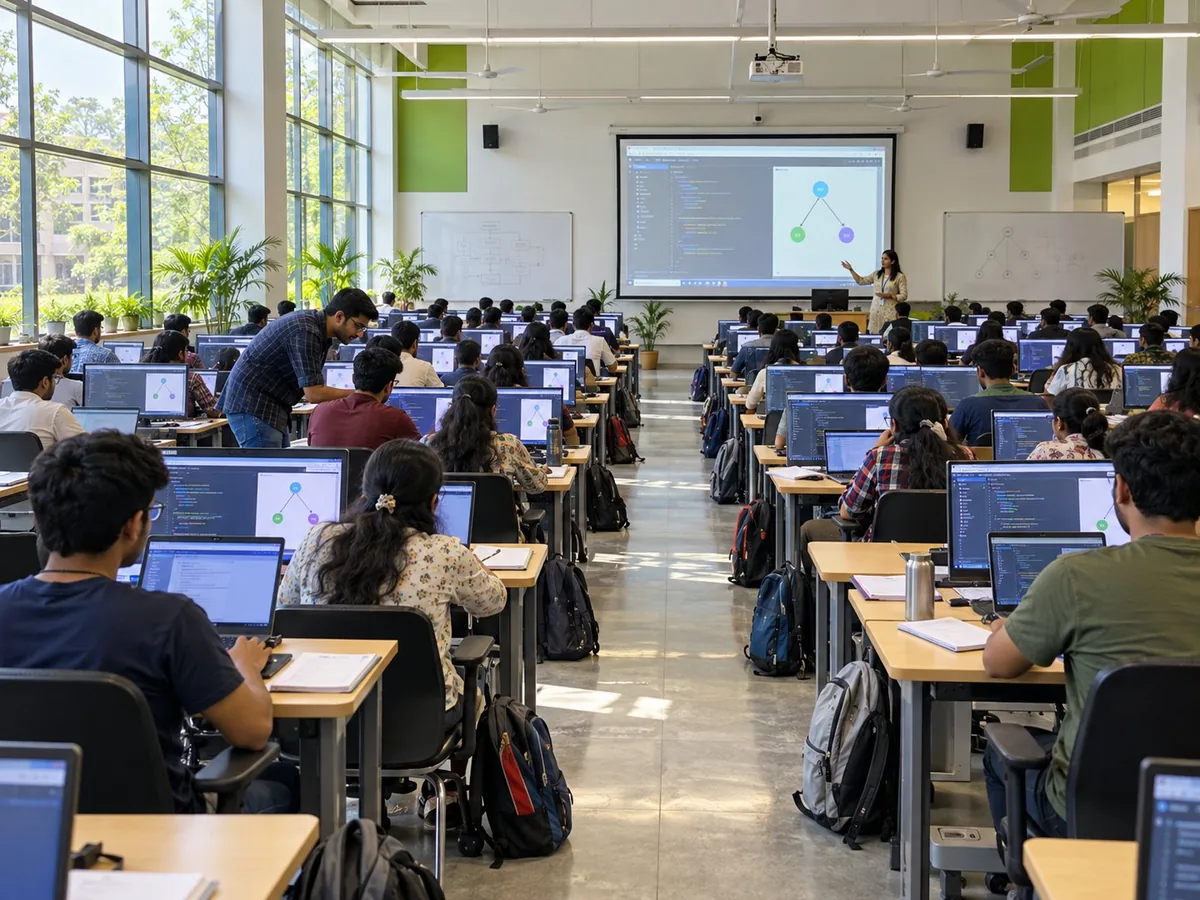
Computer fundamentals and everyday productivity skills for every stream.
Programming basics in Python, with Coding Copilot help when stuck.
Practise Python and data structures on the device.
Ask doubts aloud in 22 languages with Vani, fully offline.
AI runs on the device, so it works offline and student data stays private.
Medhara mode keeps assessment integrity built into the system.
First year:All streams: B.Tech, BCA, B.Sc, BBA
Foundation courses:Digital literacy and programming basics
Years 2–3Specialisation
Where students stop learning syntax and start shipping real projects.
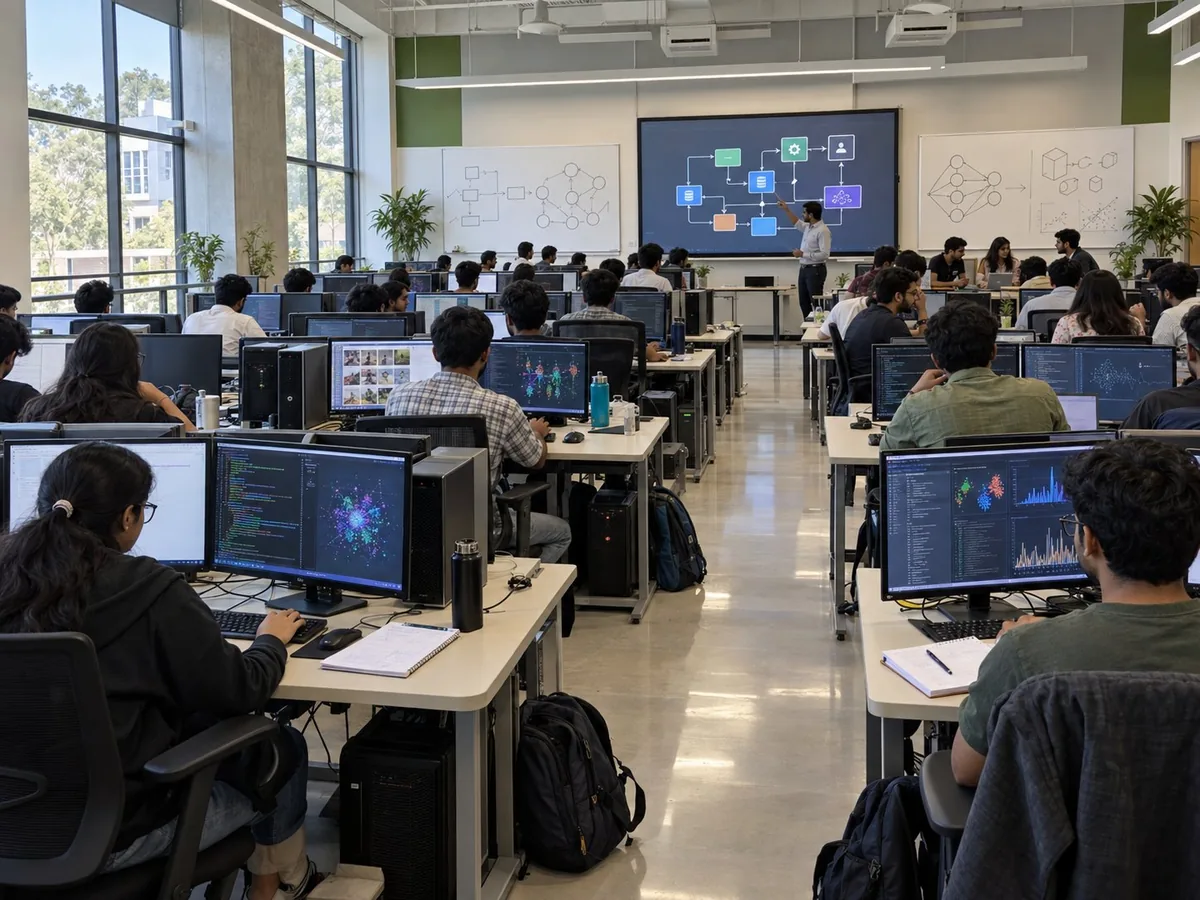
Planto Studio plans, edits and explains every change while students build.
Data Science, Cyber Security, Cloud & DevOps and App Development.
Real AI projects with no API keys and no per-token bills.
AI interview simulation and resume review, private on the machine.
Device, curriculum and assessment data in one view for coaching.
Blockchain-protected certificates that employers can check in seconds.
Second year:Core B.Tech / BCA / MCA coursework and labs
Third year:Electives, specialisation tracks and mini projects
Year 4 + facultyResearch
A shared on-campus AI compute node for thesis, research and sponsored work, with data that never leaves campus.
Train, fine-tune and run models on campus with private data.
Private-data research that never touches a public API.
Air-gapped deployment for sponsored and confidential projects.
Shares compute across the campus LAN with many concurrent seats.
Simulations and robotics projects that ordinary PCs cannot run.
A citable research facility for NAAC, NIRF and funding submissions.
Fourth year:Capstones, thesis and advanced AI projects
Faculty and PG:Research groups and sponsored projects
From first year to final year and beyond: one ecosystem, from learning to research.
Fundamentals, digital literacy, first code and first virtual labs, with voice AI in the student's own language.
Core and elective years: agentic IDE, specialisation tracks, real projects on local models and placement tooling switched on.
Thesis, PG research and sponsored work. Local model fine-tuning on campus, with data that never leaves it.
What students get
Five connected tools support students as they learn, practise and build.
Voice assistant
Ask questions aloud in 22 languages and get help with a lesson or with using the computer.
AI coding assistant
Helps students write and fix code, and explains each suggestion so they learn.
Learn more about Coding CopilotPrivate and offline
AI models run on the device, so it works offline and your data stays private.
Your learning hub
Files, projects and learning progress kept together in one private place.
Safety controls
Applies rules to AI actions and records what the system does.
Learn more about MedharaA student's journey
How one student builds an AI project from start to finish.
Follow a lesson on building a model that recognises objects in images.
Run small examples locally to see how the concept works.
Write and test the code, with AI suggestions that explain changes.
When stuck, ask a question aloud and get an explanation.
If the model needs more power, run it on the university's shared Z workstation.
Benefits
One coordinated lab supports learning, teaching and practical project work.
More opportunities to practise
More support for teaching
A clearer path from setup to delivery
Students can return to installed lessons whenever they have a configured device.
AI requests handled by models on the device carry no per-query cloud API fee.
Hardware, software and content are planned together for simpler delivery and support.
A structured technology ecosystem, not just a room full of computers.
Governance
AI cannot be governed from the cloud, so governance runs on the device itself.
MedharaAssessment integrity is built into the system rather than left to an honour code.
Who can use the devices, and when.
Which tools are right for each year and course.
Who handles accounts, updates and technical issues.
How faculty oversee AI use and student work.
How usage and feedback will be reviewed over time.
Your AI lab
Start with a working lab, then upgrade at no additional cost.
Included in the model, with university-specific branding added afterwards.
Getting started
A practical roadmap across curriculum, faculty, infrastructure, student outcomes and governance.
Curriculum
Decide which lab serves first year, second and third year, and final year.
Faculty
Identify who will teach, and the training and dashboards they need.
Infrastructure
Measure the space, design the lab, select HP devices and configure the software.
Student outcomes
Run practical sessions, projects and assessments from the first semester.
Governance
Agree access rules, review results, then add the next lab or a Z-Station.
Implementation model
From an empty space to a working Centre of Excellence, in six steps.
Take the dimensions of your available space
Design to your space, with an earlier university lab as reference
Select the right configuration
Ubuntu + Planto Coding Copilot
Free move to PlantoOS
A branded, working centre
Departments, batch size, goals and space
Devices and initial software
Faculty who run the first sessions
Run the lab with an agreed batch
Participation, work and feedback
FAQ
A Centre of Excellence (CoE) is a dedicated AI innovation and learning lab where students, faculty and institutions can learn, experiment, build and implement AI solutions in a real-world environment. It brings together AI-ready infrastructure, tools, technology, mentorship and hands-on learning, so a campus moves from learning about AI to actually building with AI.
Both mean the same thing. "Centre" is the spelling used in India and the UK, and "center" is the American spelling. Either way it is often shortened to CoE.
A traditional computer lab is a room of computers for basic computer learning, with tools and lessons set up separately and limited time to practise. An AI-enabled Centre of Excellence is a planned learning environment for coding, AI and AI-assisted coding, where hardware, software and content are planned together, with a path to advanced projects.
One lab for each stage of the student journey: the Advanced Coding Lab for first year (100 AI-native seats), the Advanced AI and Compute Lab for second and third year (50 higher-performance seats and four specialisation tracks), and the Z-Workstation for fourth year and faculty (10 workstation seats plus a shared Z-Station node).
The Advanced Coding Lab uses HP entry-level devices in the ₹40–50K class, the Advanced AI and Compute Lab uses HP mid-range devices in the ₹60–70K class, and the Z-Workstation uses PlantoBook AI Pro and Z by HP workstations in the ₹1.2L+ class, with the Z-Station quoted separately. Room infrastructure is additional. After you share your requirements, you receive a proposal with the lab design, device configuration and an itemised quote.
Yes. AI models run on the device, so the lab works offline and there are no API bills or per-student subscriptions. Vani answers questions aloud in 22 languages, fully offline. On a Z-Station, data never leaves the campus LAN.
Localised small models run on-device in a private workspace for every learner, so student data stays private. Research on the Z-Workstation uses private data that never touches a public API.
First year across all streams (B.Tech, BCA, B.Sc, BBA) in the Advanced Coding Lab; core B.Tech, BCA and MCA coursework, electives, specialisation tracks and mini projects in the Advanced AI and Compute Lab; and capstones, thesis, PG research and sponsored projects on the Z-Workstation.
Medhara applies deny-by-default rules on every AI action, records every action so it is traceable, and provides an exam-safe mode for assessments, so assessment integrity is built into the system rather than left to an honour code.
Yes. Faculty receive training on the tools, teach with prepared exercises and review student progress, and the pilot lab includes training the faculty who run the first sessions.
The Z-Workstation gives the university a citable research facility for NAAC, NIRF and funding submissions.
Yes. Start with one pilot lab: plan the departments, batch size, goals and space; configure the devices and initial software; train the faculty who run the first sessions; run the lab with an agreed batch; then review participation, work and feedback.
PlantoOS is India's first AI-native operating system, and PlantoOS for Education comes in collaboration with HP. Phase 1 deploys the lab with HP hardware, Ubuntu Linux and Planto Coding Copilot. Phase 2 is a free upgrade to the Planto operating system, included in the model, with university-specific branding added afterwards.
Next steps
Let's plan the first stage of AI learning for your university.
Departments, batch sizes, available space and current labs.
Review the three CoEs and a live demonstration of PlantoOS.
Get the lab design, device configuration and an itemised quote.